
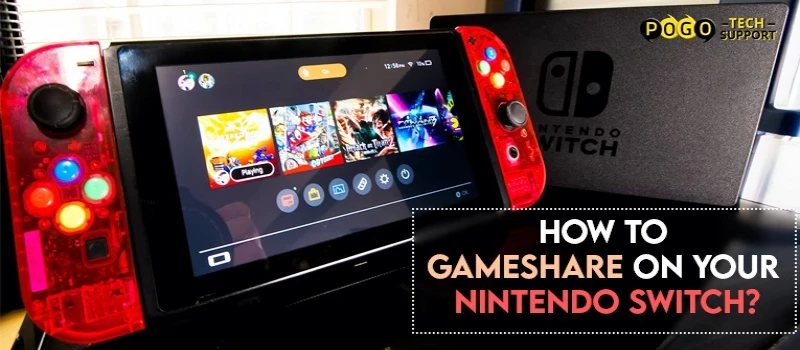
If you have the game's digital copy in your account, then you can share it with a friend. If you wish to know how to game share on Nintendo Switch in detail, then read below.
Users can game share on Nintendo Switch just like PlayStation 4 and Xbox One. If you have the game's digital copy in your account, then you can share it with a friend. If you wish to know how to game share on Nintendo Switch in detail, then read below.
In order to game share n Nintendo Switch, you need a digital game, an internet connection, and a user account. This may seem simple but there are a lot of other things that you need to know before your game share.
When your game to share on Nintendo Switch, the primary console can access all the games offline and online. However, the secondary console i.e., the device with which you are sharing can only access games online.

If you wish to learn how to Gameshare on Nintendo Switch, then read below.
Step 1: First of all, buy games with your Nintendo account. This is an important step as you can't share a game until you own the same on your Nintendo Switch.
Step 2: Go to the e-shop where the game is available and then purchase it. After buying the game, you need to download it to your system.
Step 3: Now, you need to de-register your primary console. Again, go to the e-shop and tap on your profile pic was given at the upper right corner.
Step 4: Go to the end of the screen. There, you will see the primary console option. Deactivate the primary console. If you are signed into the Nintendo account and have an active internet connection, then you will be able to access games on this console.
Step 5: After that, your secondary console will become your Primary console.
Step 6: On this Nintendo Switch, you need to sign in with the same user account that you used on your first switch. This will automatically convert your other switch to the primary console.
Step 7: Now, download the game you want to play.
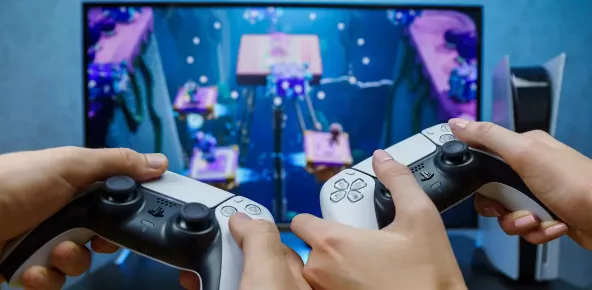
As the second switch is now your primary console, you can access the games purchased. Nevertheless, if you want to play games online simultaneously, then you are required to sign in to another Nintendo account on the switch that you used for game sharing. If both the switches are online with the same account at the same time, then the game will pause automatically.


How You Can Fix Your Fix Cox Router Blinking Orange Error
~ May 23, 2026
How to Access Roku Secret Menus
~ May 23, 2026
CCIE Service Provider v5.0 What, Why, When
~ May 23, 2026
7 Advantages OF Claiming an Investment property
~ May 23, 2026
Excel Running Slow? 4 Quick Ways to Make It Faster
~ May 23, 2026

Top Searches in How To
How to Fix Error Code csc_7200026 on AliExpress
May 23, 2026How to Cancel Your Club Pogo Account
May 23, 2026How Do I Login To My Audible Account
May 23, 2026How to Access Roku Secret Menus
May 23, 2026An Ultimate Guide to Go Live Using TikTok Application
May 23, 2026CCIE Service Provider v5.0 What, Why, When
May 23, 20263 Common PC Gaming Problems and How to Fix Them
May 23, 2026Excel Running Slow? 4 Quick Ways to Make It Faster
May 23, 2026How do you Get 35 Hours of Project Management Training
May 23, 2026How to disable pop up blocker for pogo games
May 23, 2026